What are you setting up?
Select your product for tailored setup instructions.
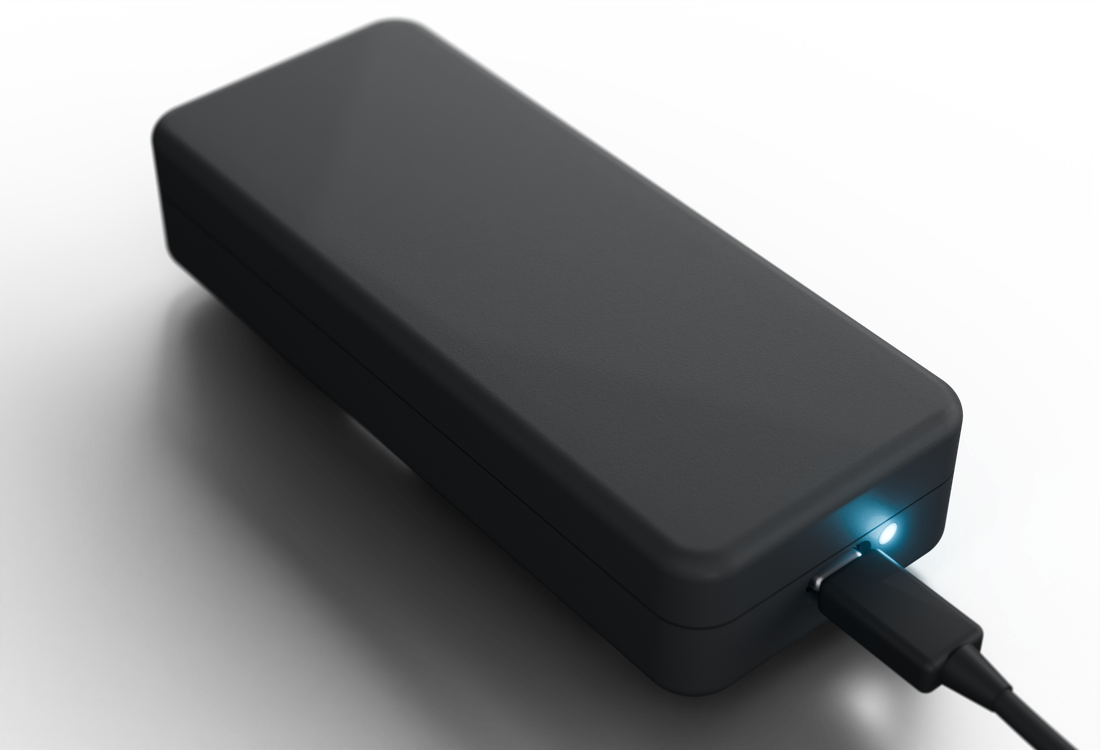
Setting Up Your CabinPulse
Get your cabin monitoring up and running in less than 5 minutes with these simple steps.
Unpack Your Device
Your CabinPulse package should include:
- CabinPulse device
- Power adapter (USB-C)
- Quick start guide
- Activation code
- Wall mount
Three Simple Steps
The only thing you need to do on-site is plug it in. Activation and everything else can be done from anywhere in the world.
Plug In at Your Property
This is the only on-site step. Plug the power adapter into any standard outlet and connect it to your CabinPulse. Wait for the LED to glow white (~30 seconds).
Activate from Anywhere
You don't need to be at your property for this. Visit the activation page from any device and follow the instructions to activate your CabinPulse.
cabinpulse.com/activateYou're All Set
Your CabinPulse will automatically connect and begin monitoring. You'll start receiving alerts within minutes — no matter where you are.
Having Issues?
Device Not Turning On
- Verify power cord is firmly connected to both device and wall outlet
- Check bottom of device for flashing lights
- Green flashing light indicates cellular connection attempt (wait up to 15 minutes)
- Try relocating device for better reception
Login Issues
Check your email from when you purchased the device — your login credentials were sent there. If you can't find them, contact support for assistance.
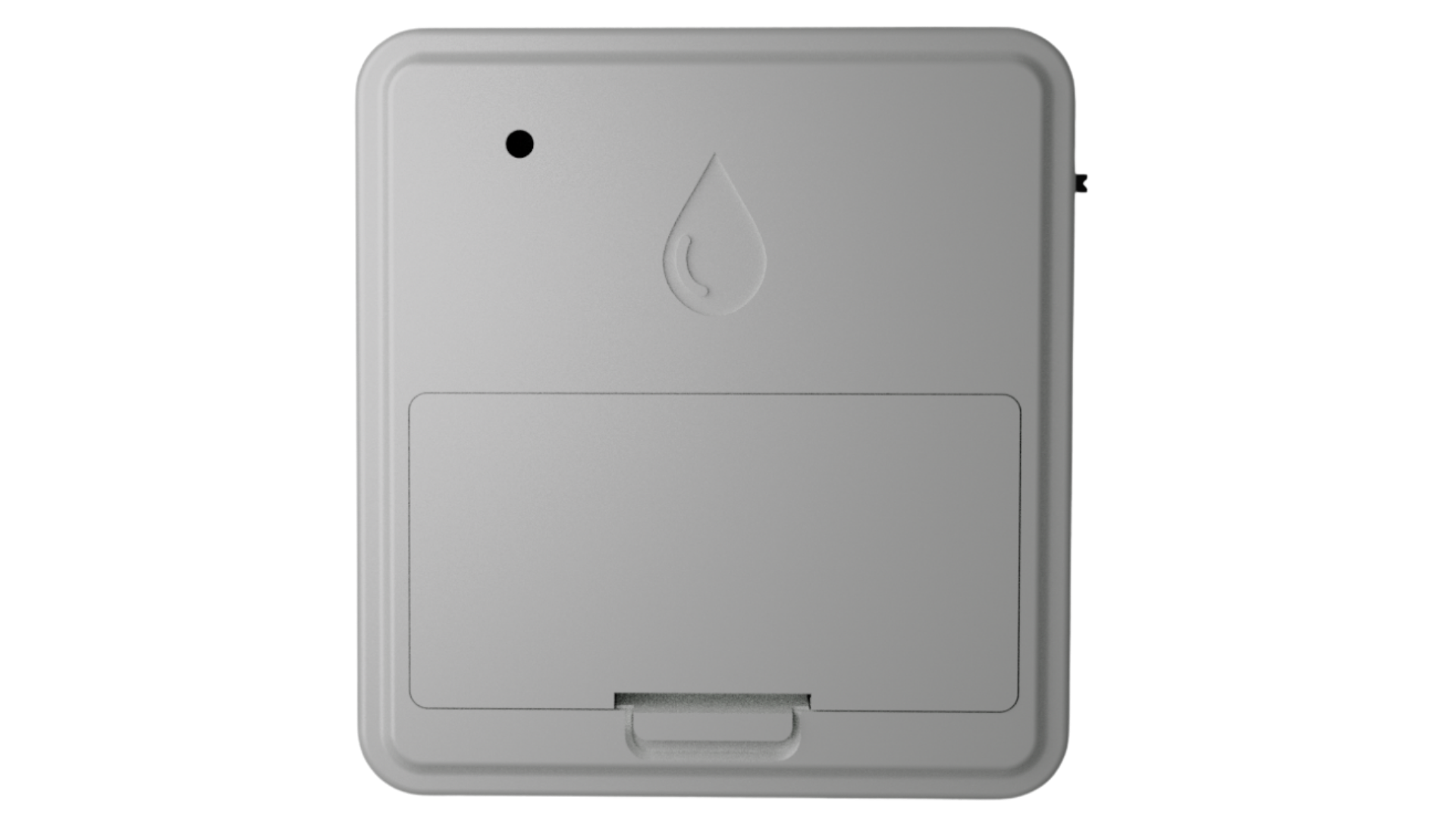
Setting Up Your Add-On Sensor
Pair new sensors to your CabinPulse and expand your monitoring coverage in minutes.
Unpack Your Sensor
Your Add-On Sensor package should include:
- Add-on sensor
- Batteries (if wireless model)
- Mounting hardware
- Quick reference card
Three Simple Steps
Add-on sensors pair wirelessly with your CabinPulse. No tools required.
Prepare
Insert the included batteries or connect the power cable. The sensor LED will blink briefly to confirm power.
Pair
Open your CabinPulse dashboard, scroll down to Device Actions, and turn on Bluetooth. Your CabinPulse will discover the sensor automatically.
Mount & Verify
Place the sensor in your desired location and use the dashboard to verify signal strength and readings.
Having Issues?
Sensor Not Discovered
- Confirm batteries are inserted correctly or power cable is connected
- Bring the sensor closer to your CabinPulse base device
- Ensure you haven't exceeded the maximum sensor count (5 for Standard, 30 for Pro)
- Restart your CabinPulse base device and try again
Readings Seem Off
- Avoid placing sensors near heat sources, vents, or direct sunlight
- Allow 10–15 minutes for readings to stabilize after placement
- Check dashboard for firmware update notifications
- Ensure sensor is within wireless range of your base device